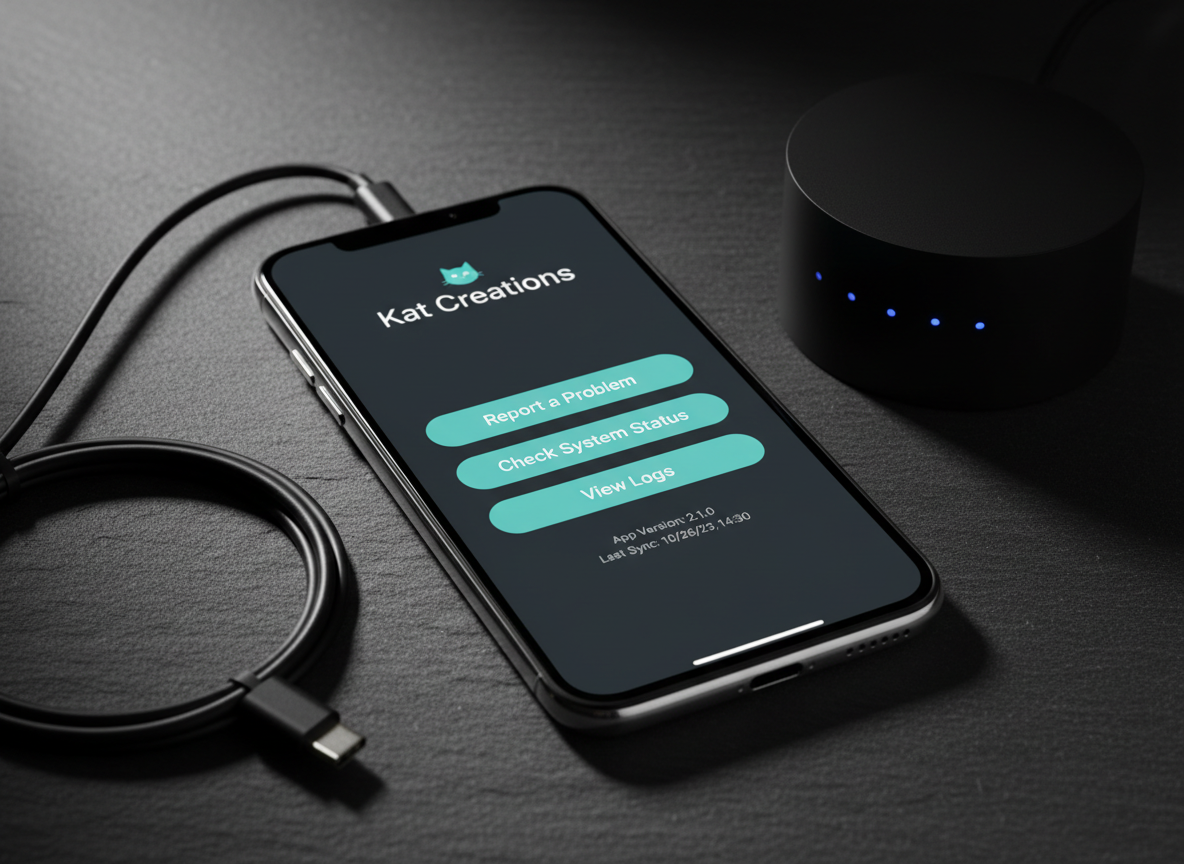
A detailed app settings and diagnostics scene on a smartphone, lying on a dark slate surface with a fine, natural texture. The screen shows an in-app support section for a Kat Creations app: buttons for "Report a Problem", "Check System Status", and "View Logs" in a clean, modern interface with teal and white accents. Nearby, a slim USB-C cable and a compact, matte-black Wi-Fi router with subtle LED indicators hint at connectivity troubleshooting. Directional side lighting from the left creates dramatic but controlled shadows and bright highlights along edges, adding depth. Shot close-up with a shallow depth of field and photographic realism, the atmosphere feels technical yet approachable, ideal for illustrating advanced support options.

System Status

Live overview of app uptime, degraded features, and recent incident history.

Status

See live health indicators for each Kat Creations app, including uptime, performance, and known issues.
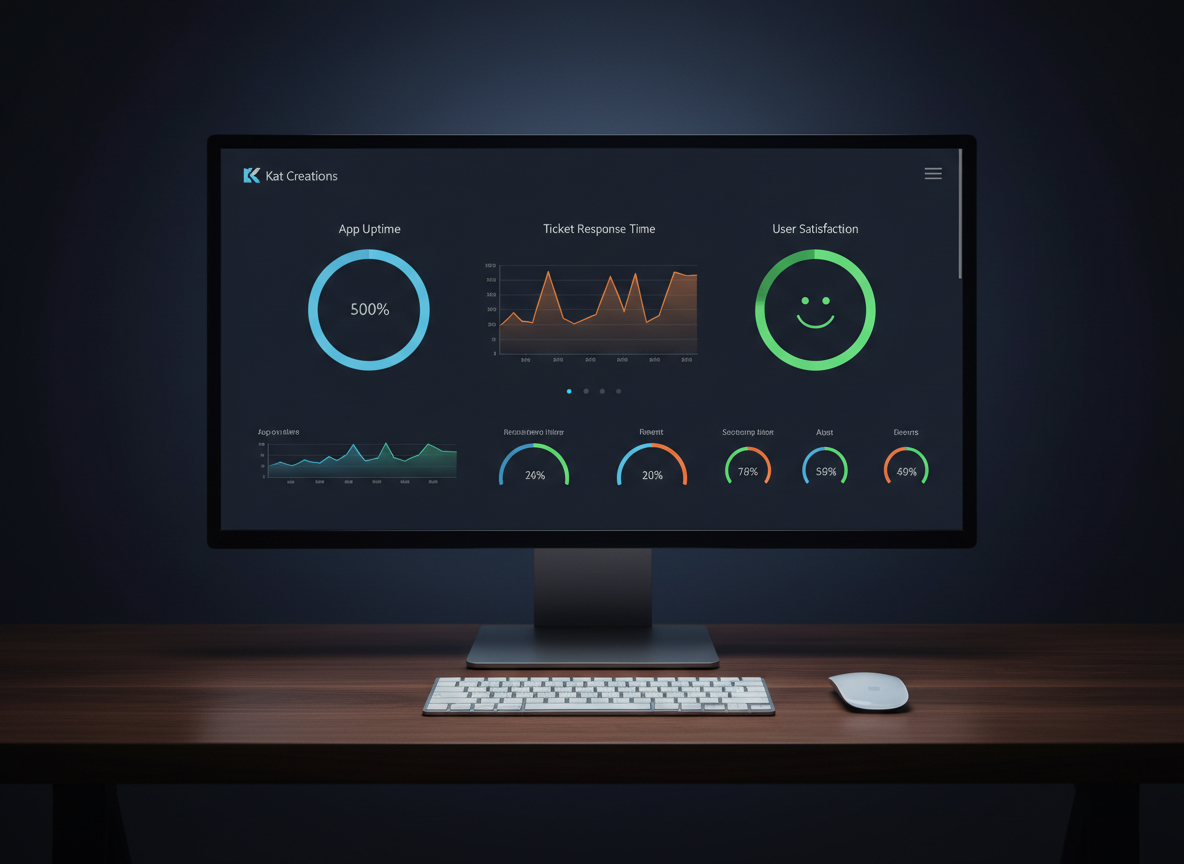
A clean, data-driven customer support dashboard displayed on a large, ultra-wide monitor with minimal bezels, sitting on a dark walnut desk. The screen shows colorful but professional charts and status indicators for app uptime, ticket response time, and user satisfaction for Kat Creations apps. A sleek wireless keyboard and mouse sit precisely aligned in front. Soft, cool studio lighting from above and slightly behind the monitor creates a subtle halo around the screen and gentle reflections on the desk surface. The background fades into a dark, smooth gradient, placing full emphasis on the illuminated data. Captured head-on with sharp focus and symmetrical composition, the photographic image conveys reliability, monitoring, and proactive app support management.

Incidents